# che
**Repository Path**: mirrors_eclipse/che
## Basic Information
- **Project Name**: che
- **Description**: Kubernetes based Cloud Development Environments for Enterprise Teams
- **Primary Language**: Unknown
- **License**: EPL-2.0
- **Default Branch**: main
- **Homepage**: None
- **GVP Project**: No
## Statistics
- **Stars**: 0
- **Forks**: 0
- **Created**: 2020-08-22
- **Last Updated**: 2026-09-05
## Categories & Tags
**Categories**: Uncategorized
**Tags**: None
## README
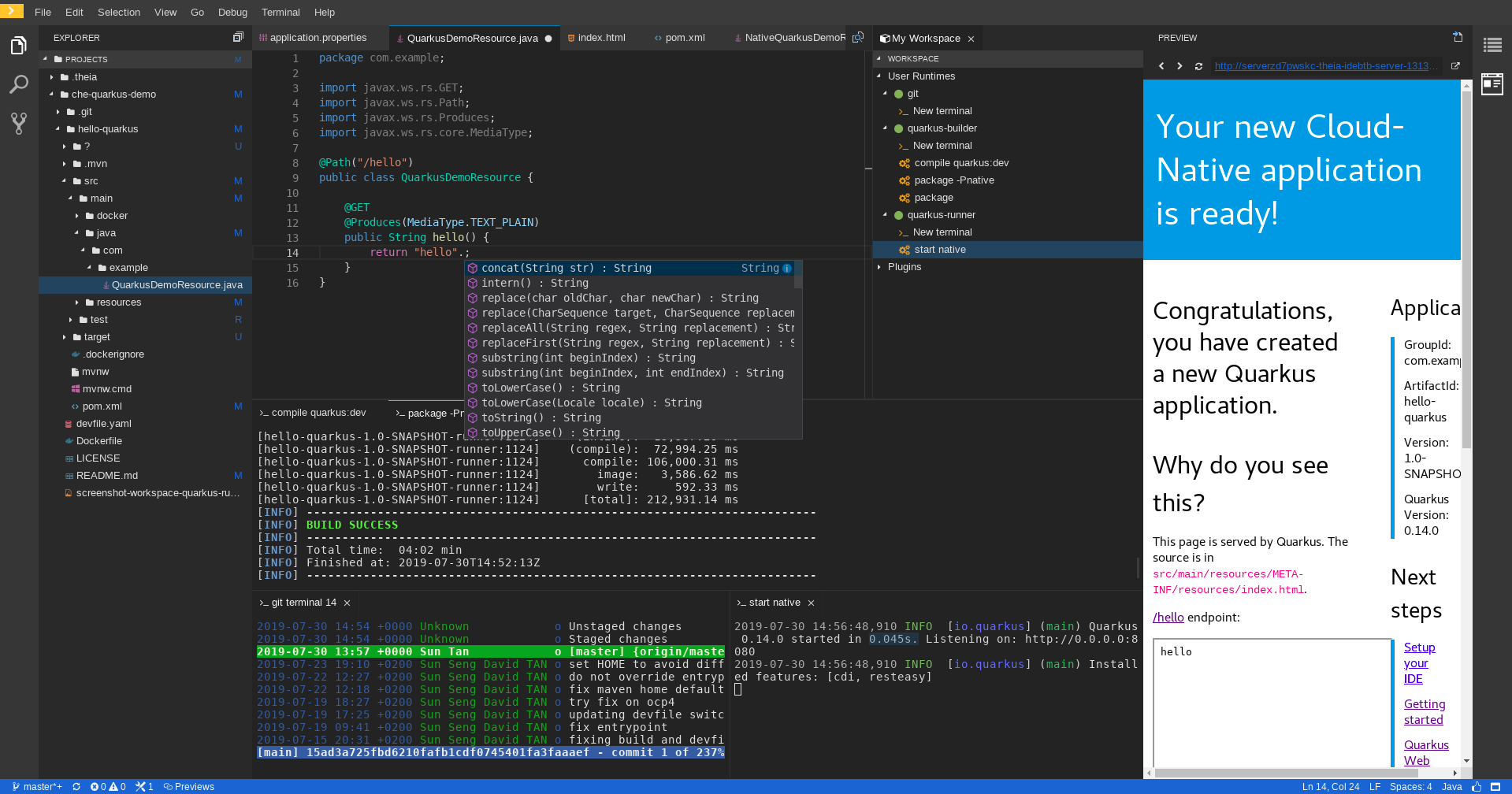
---
**Visit website at: https://eclipse.dev/che/** and documentation at: https://eclipse.dev/che/docs
- [**Getting Started**](#getting-started)
- [**Using Eclipse Che**](#using-eclipse-che)
- [**Feedback and Community**](#feedback-and-community)
- [**Contributing**](#contributing)
- [**Roadmap**](#roadmap)
- [**License**](#license)
---
### Getting Started
Here you can find links on how to get started with Eclipse Che:
- [Use Eclipse Che online](https://eclipse.dev/che/getting-started/cloud/)
- [Run Eclipse Che on your own Kubernetes cluster](https://eclipse.dev/che/docs/stable/administration-guide/preparing-the-installation/)
### Using Eclipse Che
#### Start a workspace from a Git repository
Open any Git repository as a Cloud Development Environment by navigating to your Che instance with a factory URL:
```
https:///#https://github.com//
```
For example, to open this repository:
```
https:///#https://github.com/eclipse-che/che
```
#### Start a workspace using chectl
Use the [chectl](https://github.com/che-incubator/chectl) CLI to create and manage workspaces:
```bash
# Start a workspace from a devfile
chectl workspace:start -f devfile.yaml
# Start a workspace from a remote devfile
chectl workspace:start -f https://raw.githubusercontent.com/eclipse/che/main/.devfile.yaml
# List running workspaces
chectl workspace:list
# Stop a running workspace
chectl workspace:stop
```
#### Define a workspace with a devfile
Add a `devfile.yaml` to your repository root to define your development environment:
```yaml
schemaVersion: 2.3.0
metadata:
name: my-project
components:
- name: devtools
container:
image: quay.io/devfile/universal-developer-image:ubi9-latest
memoryLimit: 4G
mountSources: true
commands:
- id: build
exec:
commandLine: 'mvn clean install'
component: devtools
```
When a `devfile.yaml` is present, Che automatically configures the workspace with the specified tools, runtimes, and commands.
#### Learn more
- [Customize Che workspaces for your projects](https://eclipse.dev/che/docs/stable/end-user-guide/customizing-workspace-components/)
- [Automatically run VSCode Extensions in Che workspaces](https://eclipse.dev/che/docs/stable/end-user-guide/microsoft-visual-studio-code-open-source-ide/#automating-installation-of-microsoft-visual-studio-code-extensions-at-workspace-startup)
- [Starting a workspace from a Git repository URL](https://eclipse.dev/che/docs/stable/end-user-guide/starting-a-workspace-from-a-git-repository-url/)
- [Making a workspace portable using a devfile](https://eclipse.dev/che/docs/stable/end-user-guide/devfile-introduction/)
- [Configure your instance of Che](https://eclipse.dev/che/docs/stable/administration-guide/checluster-custom-resource-fields-reference/) using the [CheCluster Kubernetes Custom Resource](https://doc.crds.dev/github.com/eclipse-che/che-operator)
- [Use and customize the embedded VSCode extensions registry](https://eclipse.dev/che/docs/stable/administration-guide/extensions-for-microsoft-visual-studio-code-open-source/#adding-or-removing-extensions-in-the-embedded-open-vsx-registry-instance)
### Feedback and Community
We love to hear from users and developers. Here are the various ways to get in touch with us:
* **Support:** You can ask questions, report bugs, and request features using [GitHub issues](https://github.com/eclipse/che/issues).
* **Public Chat:** Join the public [eclipse-che](https://communityinviter.com/apps/ecd-tools/join-the-community) Slack channel to discuss with community and contributors.
* **Twitter:** [@eclipse_che](https://twitter.com/eclipse_che)
* **Mailing List:** [che-dev@eclipse.org](https://accounts.eclipse.org/mailing-list/che-dev)
* **Weekly Meetings:** Join us in our [Che community meeting](https://github.com/eclipse/che/wiki/Che-Dev-Meetings) every second monday.
### Contributing
If you are interested in fixing issues and contributing directly to the code base:
- :bug: [Submitting bugs](https://github.com/eclipse/che/issues/new/choose)
- :page_facing_up: [Contributor license agreement](https://github.com/eclipse/che/wiki/Eclipse-Contributor-Agreement)
- :checkered_flag: [Development workflows](./CONTRIBUTING.md)
- :pencil: [Improve docs](https://github.com/eclipse-che/che-docs)
- :building_construction: [Che architecture](https://eclipse.dev/che/docs/stable/administration-guide/architecture-overview/)
- :octocat: [Che repositories](./CONTRIBUTING.md#other-che-repositories)
- :sparkles: [Good first issue for new contributors](https://github.com/eclipse/che/wiki/Labels#new-contributors)
#### Extending Eclipse Che
- [Customize the default dev tooling container (the universal developer image or UDI).](https://github.com/devfile/developer-images/)
- [Customize the list of getting started samples.](https://eclipse.dev/che/docs/stable/administration-guide/configuring-getting-started-samples/)
- [Add your own editor definition.](https://github.com/eclipse-che/che-plugin-registry/blob/main/che-editors.yaml)
### Roadmap
We maintain the [Che roadmap](https://github.com/eclipse/che/wiki/Roadmap) in the open way. We welcome anyone to ask question and contribute to the roadmap by joining our [community meetings](https://github.com/eclipse/che/wiki/Che-Dev-Meetings).
### License
Eclipse Public License 2.0. *Che is Kubernetes-native and places everything the developer needs into containers in Kube pods including dependencies, embedded containerized runtimes, a web IDE, and project code. This makes workspaces distributed, collaborative, and portable to run anywhere Kubernetes runs ... [Read More](https://eclipse.dev/che/features/)*